











Welcome
Find inspiration at Maker Faires.Page 04
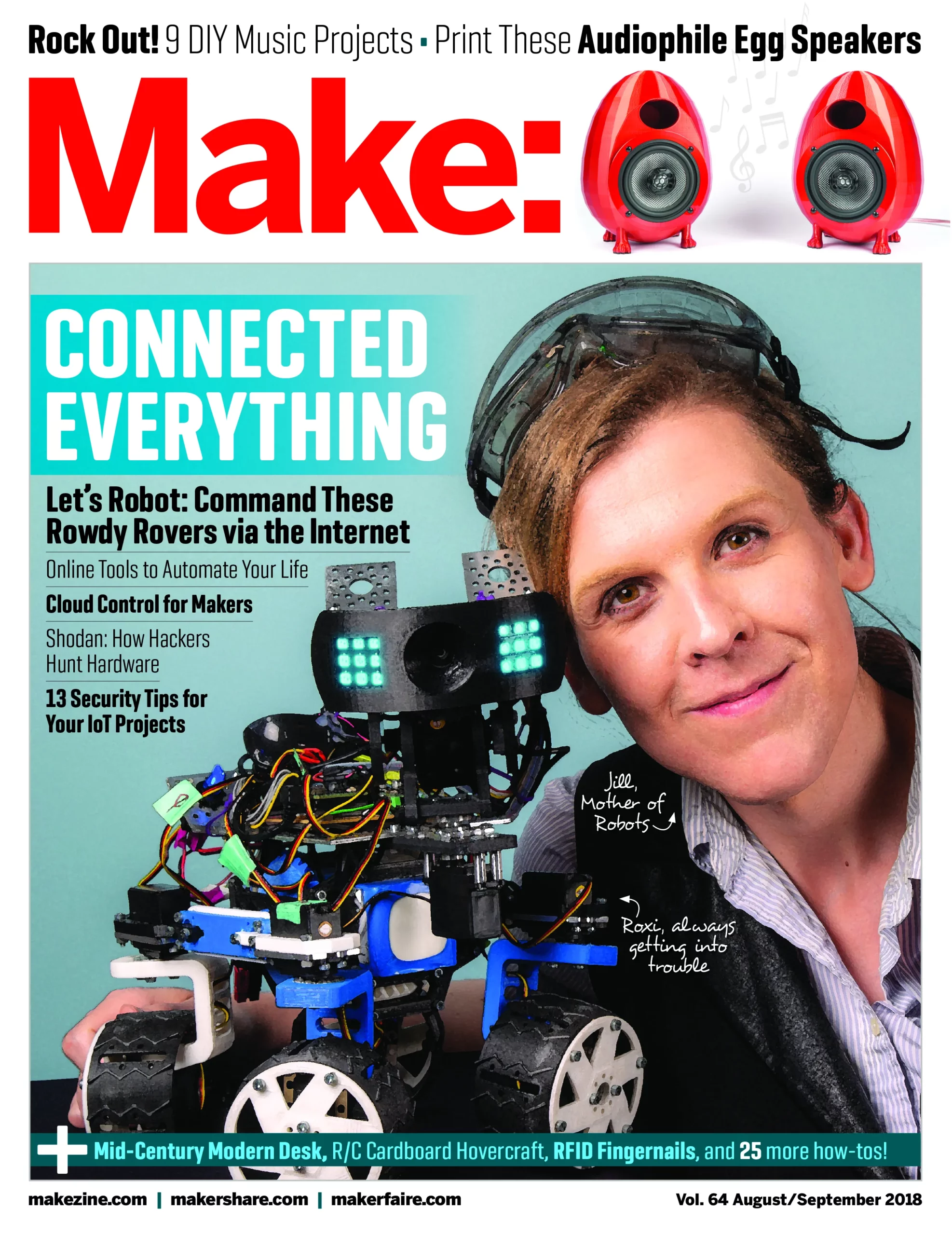
In this issue of Make: learn to connect and automate a variety of gadgets with the easy-to-use IFTTT (If This Then That) cloud service — set your coffee machine to brew a fresh pot when you wake up or send a message to do your homework right away when you get back home. Then explore how hackers use the Shodan search engine to discover and take advantage of your connected devices and get up to speed on how to lock them out. And in our cover story, read about Let’s Robot, the whimsical platform for telepresence robotics. Log in and communally control a roving robot, and build your own for the internet to collectively control 25 projects including:
ON THE COVER: Jill Ogle with Roxi. Posing assistance from the internet.
Photo: Hep Svadja
Find inspiration at Maker Faires.Page 04
Notes from readers like you. Page 05
Backyard builds from around the globe.Page 06

MythBuster Kari Byron and “geek mom” Debra Ansell chat about technology, art, and the magic of being self-taught.Page 14
BattleBots team Poor Life Choices cooked up their fighting bot “Battle Royale with Cheese” in just five weeks. Page 16
The Daedalus suit soars closer to realizing our jetpack dreams.Page 18
Our smart devices and projects will make our lives easier — as long as we are as smart as they are.Page 20

Let’s Robot offers an open telepresence platform for everyonePage 22
How hackers use the Shodan search engine to discover and take advantage of your connected devices.Page 26
Get started with the popular IFTTT cloud service for gluing together web services and hardware.Page 28

Top tips to tighten security on your homebrew IoT projectsPage 30
Take your project online with these maker-friendly options.Page 32

Hack the original Space Invaders arcade audio chip for classic and novel sounds.Page 34

Build a lap steel guitar from your favorite skateboard deck.Page 37
Make a minimal sliding synth and drum machine for just a few bucks each.Page 38

3D print these awesome enclosures that provide incredible sound.Page 40
Nothing less than a sound-reactive light show will do for rock band Less Than Jake.Page 42

Make a twin-solenoid power nutcracker that bashes the shells and saves the meats.Page 44

This mysterious GPS treasure book guides you to a secret location — then out pops a gift!Page 50

Made from cardboard and trash bags, these things rip! Make a bunch and race your friends.Page 52
Inspired by Mad Max: Fury Road, prop and costume maker Michelle Sleeper built a real prosthetic arm for an amputee cosplayer.Page 56
Add NFC RFID tags right into your manicure, then command your gadgets with a fingertip.Page 58
A cheap homage to a famous mid-century modern writing desk.Page 60

Build your own time-tested rig for distilling essences or ethanol.Page 62

Rig a DIY foot-switch shutter remote and give yourself a hand — or two — in documenting your project steps.Page 65
Add sass to your simple sweater with ribbon and grommets.Page 66

Hack a click pen to make a mini pinball game.Page 68

Use a grid to get big gardening results in small spaces.Page 70

Craft simple wind instruments from drinking straws and strike up a summertime band.Page 71
Here’s a crash course on the popular microcontroller.Page 72
Create music from floppy drive sounds with a Java application and Arduino sketch.Page 74
Gear up with reviews of the latest tools and kits for makers.Page 76
Check out the winners of our Mission to Make: contest!Page 80


